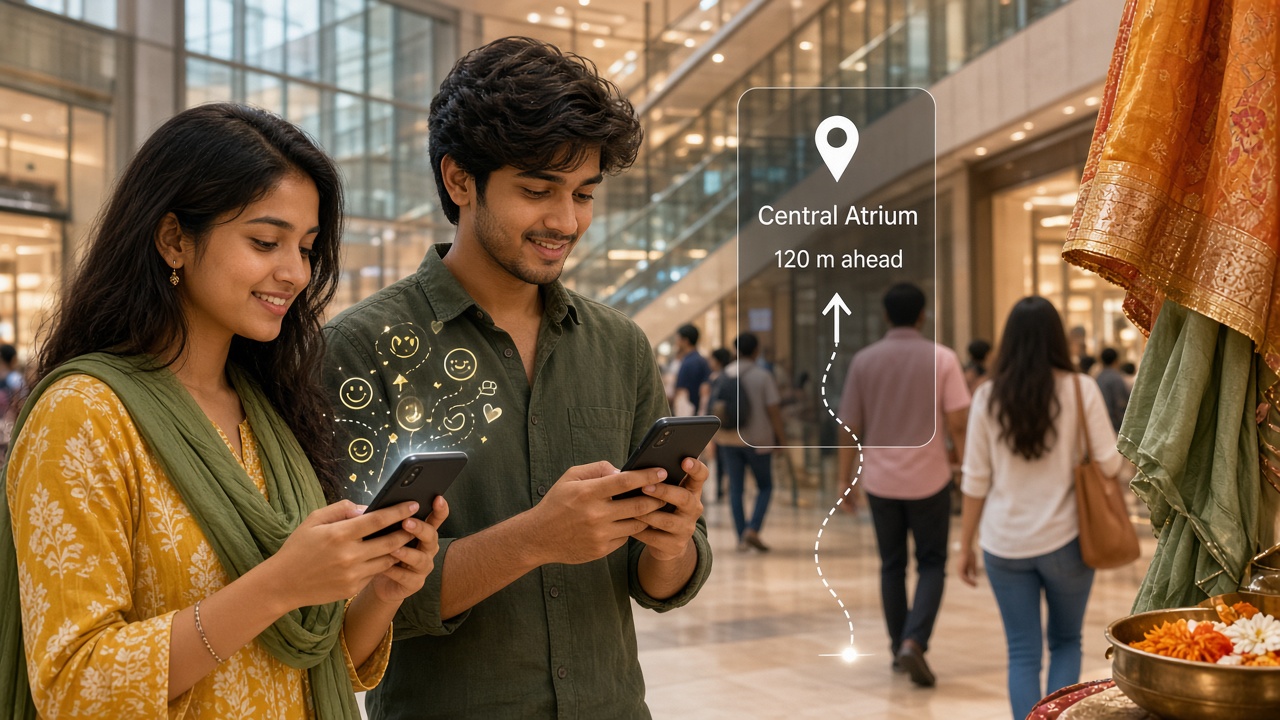
From fighter HUDs and research wireframes to marker tracking, smartphone AR games, ARKit/ARCore, enterprise headsets, and everyday AR glasses.
1960s -> PresentHUD -> Phone ARAR Glasses
Augmented Reality Ideas
Augmented reality (AR) keeps the real world in view and adds digital graphics, text, or 3D models aligned to that scene. Unlike VR, you still see your room, street, or workbench—with helpful (or playful) overlays on top.
This timeline follows AR from head-up displays and lab prototypes through marker tracking, mass smartphone hits, developer platforms, enterprise headsets, and India’s growing AR education and retail experiments.
Big picture
AR evolution in one view
Better cameras, sensors, and computer vision made overlays stick to tables and streets. Phones carried AR to billions; glasses aim to free your hands again.
AR: digital objects anchored in the real world you still see.
Overlay1960s - 1989
Head-Up Displays and Early Overlays
Military and aviation HUDs projected flight data onto glass so pilots kept looking forward. Research displays explored combining computer graphics with a view of the real world—seed ideas for later AR.
HUDs prove overlays can help without blocking the world.
Aviation HUD symbology matures.
Tracked research displays experiment with registration.
Industrial “see-through” concepts appear in labs.
Takeaway: AR’s ancestor is useful information on glass, not a game avatar.
Named1990 - 1999
Coining AR and Wireframe Guidance
Around 1990 Tom Caudell and colleagues used “augmented reality” for wiring instructions overlaid on Boeing aircraft. Academic systems showed 3D wireframes locked to real objects—impressive, but bulky and expensive.
Lab AR: graphics registered to physical workpieces.
~1990: “augmented reality” enters technical use.
University and industry registration demos.
Medical and maintenance prototypes emerge.
Takeaway: AR gets a name as a work tool for alignment and instructions.
Print2000 - 2009
Fiducial Markers and Desktop Webcams
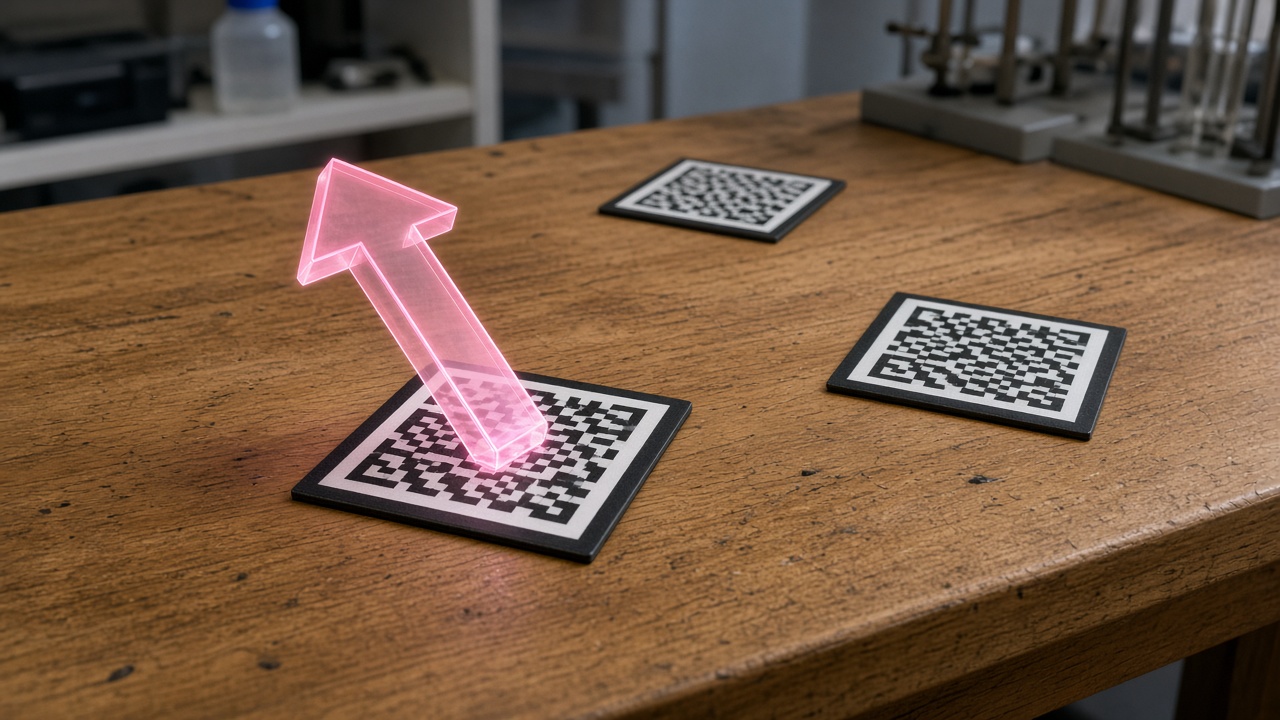
Printed black-and-white markers (ARToolKit and kin) let ordinary cameras estimate pose so 3D models could sit on a sheet of paper. Museums, textbooks, and classrooms tried early AR experiences.
Markers make pose tracking cheap enough for demos everywhere.
Open marker-based toolkits spread.
Webcam AR demos on PCs and kiosks.
Mobile phones begin tentative AR apps.
Takeaway: Printable codes turn any desk into an AR stage.
Pocket2010 - 2016
Location AR and Smartphone Hits
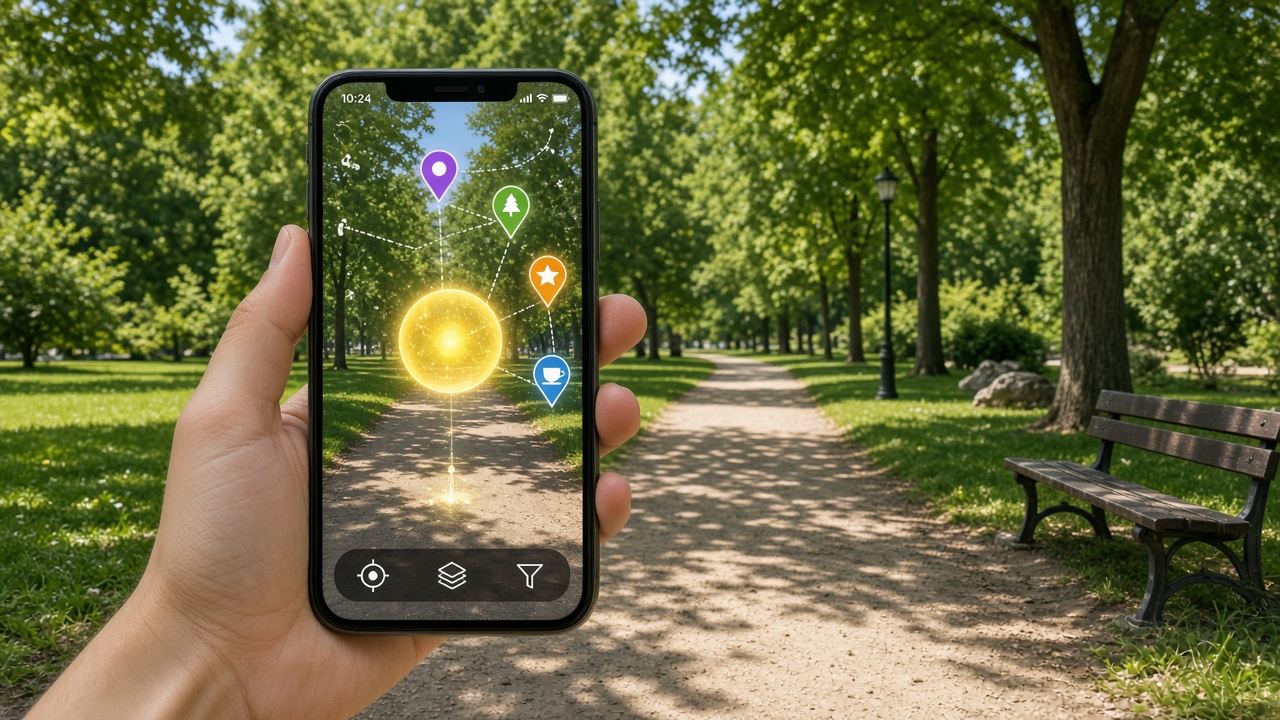
GPS, compass, and cameras put AR on phones in the street. Location games and filters reached huge audiences; 2016’s outdoor creature-hunting craze showed AR could be a global pastime—while also stressing privacy and safety outdoors.
Phones carry AR into parks, cities, and living rooms.
Location-based AR games and city layers.
Social face filters and lens platforms.
2016 mass-market outdoor AR moment.
Takeaway: The phone camera becomes the default AR display.
Platforms2017 - 2020
ARKit, ARCore and Enterprise Headsets
OS-level AR frameworks made plane detection and world tracking a standard API. Enterprise headsets placed persistent holograms for design, training, and remote assist—still pricey, but serious for factories and hospitals.
Takeaway: AR becomes a platform feature, not only a one-off app trick.
Wearable2021 - Present
Lightweight Glasses and AI Overlays
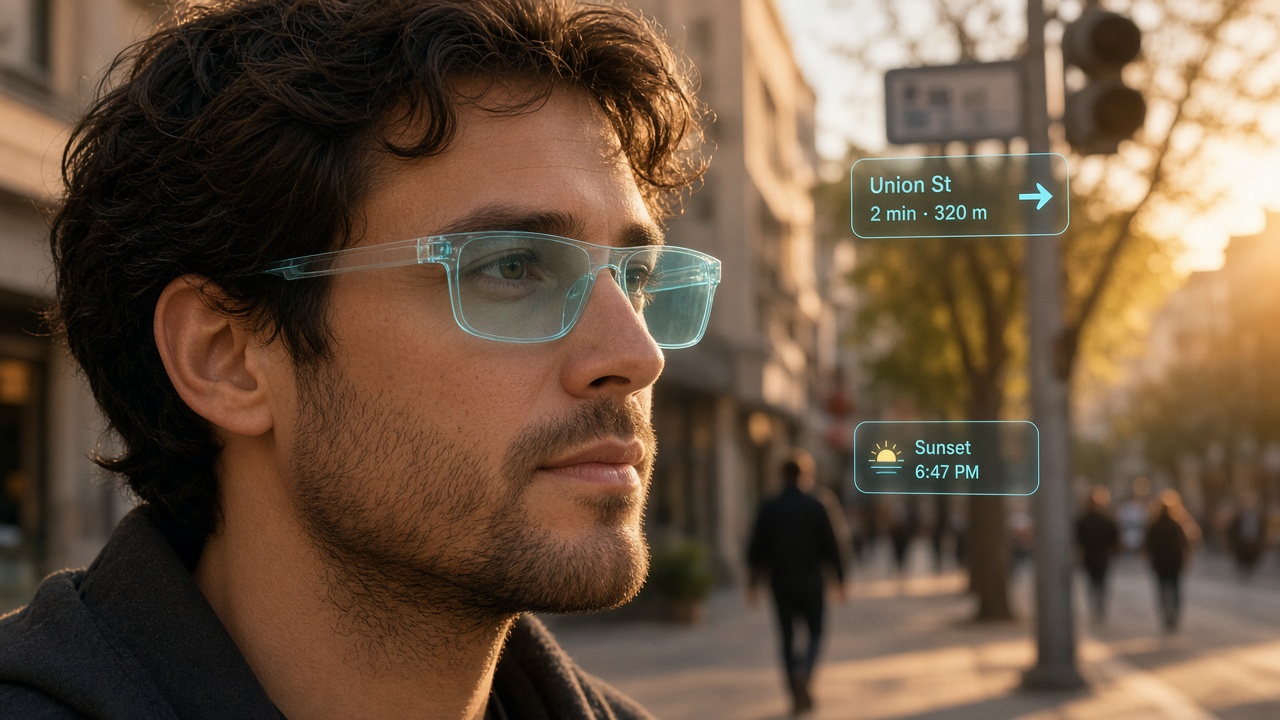
Slimmer AR glasses and AI assistants aim for all-day wear: captions, navigation, and context tips without holding a phone. Comfort, battery, fashion, and privacy still decide whether overlays become ordinary streetwear.
Glasses try to make AR hands-free and socially normal.
Consumer and developer AR glasses waves.
AI for captions, translation, and scene help.
India education, retail, and tourism AR pilots.
Takeaway: The next hurdle is wearability and trust—not only tracking accuracy.
Augmented Reality Timeline Summary
Era
Years
Focus
HUDs & roots
1960s-1989
Aviation overlays, research glass
Named AR
1990-1999
Term coined, wireframe guidance
Markers
2000-2009
Fiducials, webcams, kiosks
Phone AR
2010-2016
Location games, filters, mass use
Platforms
2017-2020
ARKit/ARCore, enterprise visors
Everyday glasses
2021-Present
Wearables, AI overlays
Then vs Now
Aspect
Then
Now
Display
HUD / lab optics
Phone screens + AR glasses
Tracking
Markers / special hardware
SLAM, planes, AI scene understanding
Audience
Pilots, labs, demos
Consumers, retail, classrooms, factories
Content
Wireframes / instructions
Games, try-on, training, captions
Breakthroughs
HUD symbology: Safe overlays while seeing the world.
Named AR + registration: Graphics locked to real objects.
Fiducial markers: Cheap pose from a printed square.
Mobile SLAM / AR frameworks: Markerless phone AR at scale.
AI vision: Better understanding of rooms and text in view.
Impact on Daily Life
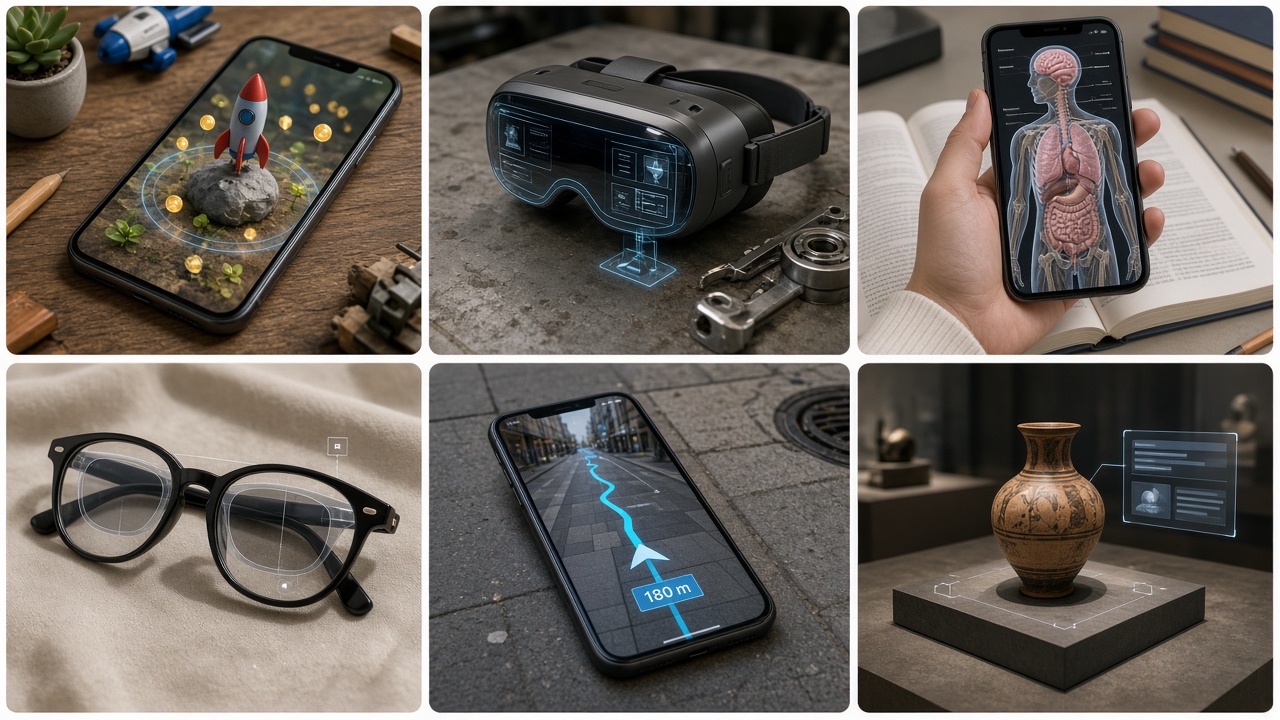
You may already use AR to try shoes, place furniture, translate a sign, or play a park game. Workers use overlays for repairs and training. The social question is when—and whether—people accept cameras on their faces in public.
Retail, education, navigation, maintenance, medicine demos, and games.
India focus
Augmented Reality in India
Indian classrooms, museums, and retailers experiment with phone AR for textbooks, heritage sites, and product try-ons. Startups build training and marketing experiences; smartphone reach makes mobile AR the practical path while glasses remain niche.
India: education, retail, and tourism lean on phone AR first.
EdTech AR for STEM and language learning.
Heritage and museum storytelling overlays.
Retail try-on and catalogue AR.
Developer communities around Unity/Unreal AR.
Test Your Knowledge
Twenty quick checks on HUDs, markers, phone AR, and AR platforms.
Answer: The real world you still see.
Answer: Head-Up Display.
Answer: AR keeps the real world visible; VR replaces it.
Answer: About 1990 (Caudell et al.).
Answer: Giving the camera a known pattern to estimate pose.
Answer: Printed black-and-white markers + webcam.
Answer: Aligning graphics correctly with the real scene.
Answer: Cameras, sensors, GPS/compass, and stronger mobile chips.
Answer: 2016.
Answer: Mobile OS AR developer frameworks.
Answer: Find floors/tables so objects can sit on them.
Answer: Training, design review, remote assist.
Answer: Real objects correctly hiding virtual ones (and vice versa).
Answer: Try-on / place furniture in your room.
Answer: Comfort, battery, optics, fashion, and privacy.
Answer: Scene understanding, captions, better tracking/content.
Answer: Smartphones (education, retail, tourism).
Answer: Always-on cameras in public spaces.
Answer: Map/localise the device in the environment.
Answer: From HUDs and markers to phone platforms and wearable glasses.
Classroom activity
Students Tasks
Ten prompts on overlays, markers, phone AR, and ethics.
OverlaysTrackingEthicsIndia
Explain AR vs VR with a classroom example of each.
Why do aviation HUDs keep the real world visible?
Design a paper fiducial marker and describe how a camera uses it.
List three phone AR apps you have seen (or would build).
What is plane detection, and why does furniture AR need it?
Debate: should AR glasses record video in public by default?
Research one India education or museum AR project (one page).
How can poor registration make AR unsafe for surgery training demos?
Design a poster: “AR try-before-you-buy” for a local shop.
Propose a school campus AR tour with five hotspots.
Continue exploring
AR grows from displays, phones, and AI vision. Explore these connected stories next.
Jump to any other technology timeline on WorldTimelineHub.
Disclaimer: This content is AI-generated for educational purposes and may contain errors or outdated details. For correct and authoritative information, please refer to official and reliable sources such as government publications, manufacturers, museums, and academic references.