From shared passwords on mainframes to firewalls, antivirus, HTTPS locks, security operations centres, Aadhaar-scale identity, and India’s fight against cybercrime.
As computers connected people, money, and governments, attackers followed. Cybersecurity grew from simple password files into layered defences: network filters, malware scanners, cryptography, identity systems, and 24/7 monitoring. In India, the IT Act, Aadhaar-linked services, UPI, and rising cybercrime made digital safety a public issue—not only a specialist one.
This timeline follows that arc from passwords to firewalls to national-scale identity and cybercrime response.
Big picture
Cybersecurity evolution in one view
Defence shifted from “who can log in?” to “what traffic is allowed?”, then to encrypted sessions, behavioural detection, and protecting digital identity at population scale.
From login secrets to perimeter defence to national digital identity security.
Access Control1960s - 1985
Passwords and Access Control
Time-sharing systems needed a way to tell users apart. Passwords—and later hashed password files—became the default gate. Physical rooms, operator privileges, and early access-control lists defined who could touch which files.
Early era: security meant knowing the right secret at the right terminal.
Multi-user systems popularise login accounts and passwords.
Researchers warn that plain-text password files are fragile.
Physical security of computer rooms remains critical.
Technology Used
Password files: Later stored as one-way hashes.
Unix permissions: User/group/other file modes.
Privileged operators: Admin accounts with full control.
Features
Simple mental model: Prove you know a secret.
Reuse risk: Same password across systems spreads damage.
Insider threat: Trusted operators can bypass many controls.
Perimeter1986 - 1999
Firewalls and Network Perimeter
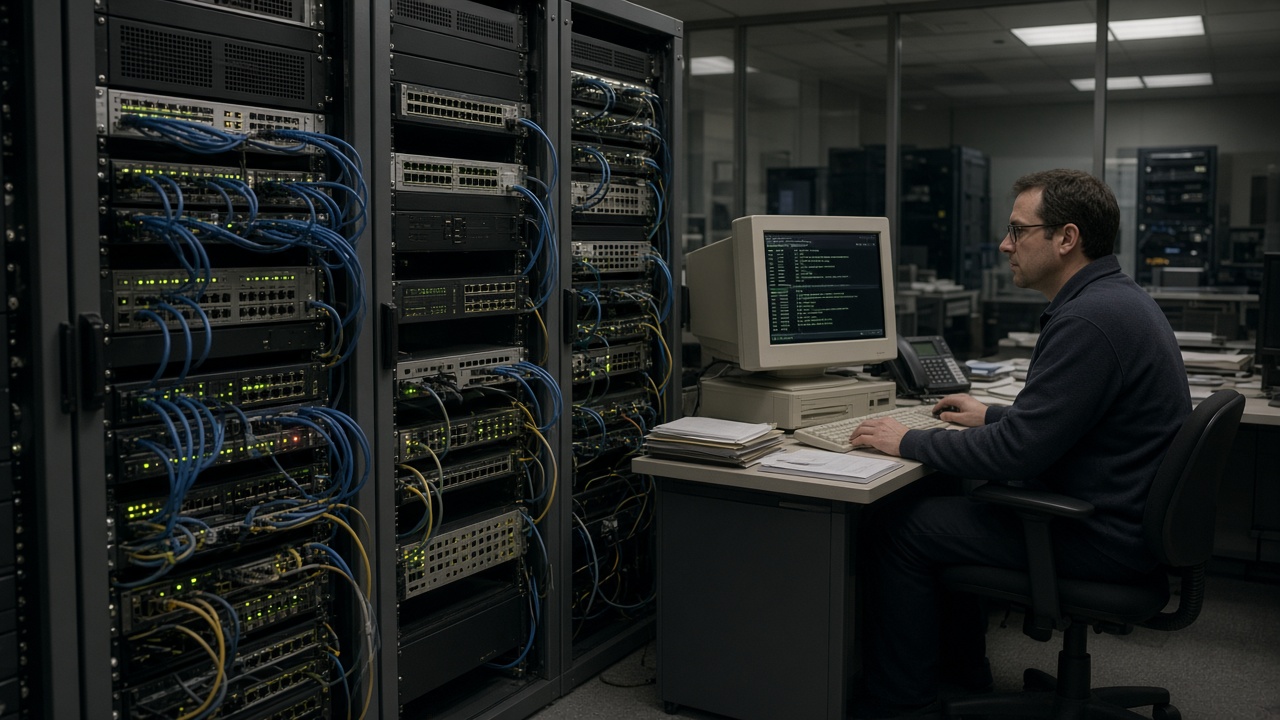
As organisations connected to the growing Internet, they needed a gate between “inside” and “outside.” Packet filters and firewall appliances enforced rules on ports and protocols. The castle-and-moat model dominated enterprise thinking for decades.
Firewall era: decide which packets cross the organisational boundary.
Router ACLs and dedicated firewalls filter traffic.
DMZs host public web servers outside the inner LAN.
Intrusion detection systems begin watching for probes.
Technology Used
Packet filtering: Allow/deny by IP, port, protocol.
Stateful firewalls: Track connection state.
NAT / proxies: Hide internal addresses.
Features
Central choke point: Easy to explain to management.
Blind spots: Encrypted tunnels and insider traffic.
Policy sprawl: Too many open ports weaken the wall.
Endpoint War1990s - 2005
Malware and Antivirus Wars
Viruses on floppy disks gave way to email worms and network-spreading malware. Home PCs and offices installed antivirus scanners. Signature updates raced against new variants; mass outbreaks made cybersecurity a dinner-table topic.
Antivirus era: scan files, update signatures, hope the next worm is slower.
Macro viruses and email worms hit millions of PCs.
Consumer antivirus becomes a default install.
Patch Tuesday culture grows as software bugs are weaponised.
Technology Used
Signature scanners: Match known malware patterns.
Heuristics: Flag suspicious behaviour.
OS patches: Close exploited vulnerabilities.
Features
Mass impact: One worm can cross continents overnight.
Update race: Defenders need fresh definitions.
User education starts: “Don’t open unknown attachments.”
Trust Online1990s - 2015
Encryption and the Secure Web
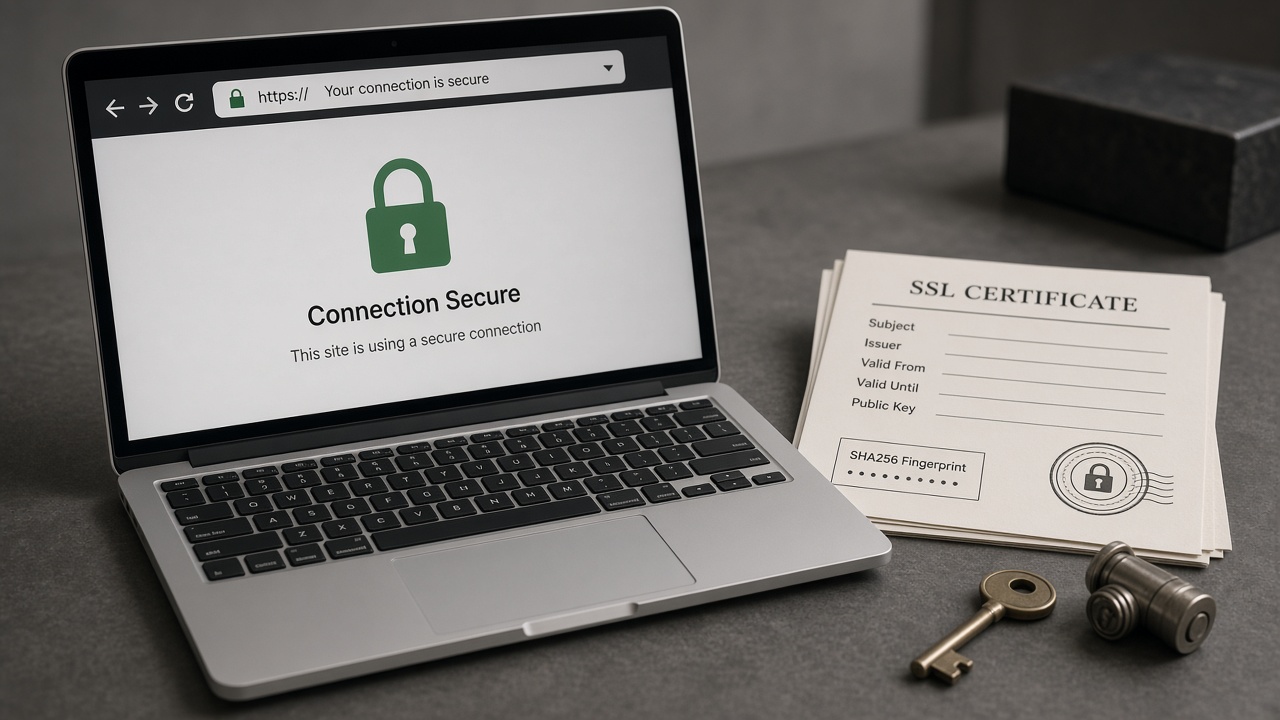
Public-key cryptography, SSL/TLS, and certificate authorities made e-commerce possible. The browser padlock became a symbol of safer shopping and banking. Encryption also protected VPNs and later messaging—while sparking policy debates.
Encryption era: protect secrets in transit so the open Internet can carry money and identity.
HTTPS becomes expected for banking and login pages.
PKI and certificate authorities underwrite trust.
VPN use grows for remote workers and privacy.
Technology Used
TLS / SSL: Encrypt browser–server sessions.
Public-key crypto: Key exchange without shared secrets in advance.
Certificates: Bind keys to domain names.
Features
Confidentiality in transit: Harder to snoop passwords on the wire.
Phishing still works: Fake sites can look “secure” with their own certs.
Always-on HTTPS: Later becomes the default for most sites.
Assume Breach2010 - Present
Cloud, Zero Trust and Modern Threats
Cloud apps, mobile devices, and ransomware shifted the model. Perimeter alone was not enough. MFA, endpoint detection, SOCs, and zero-trust ideas—verify every request—became mainstream. Social engineering and supply-chain attacks rose alongside technical exploits.
Modern era: continuous monitoring, identity checks, and rapid incident response.
Ransomware targets hospitals, cities, and companies.
MFA and password managers fight credential stuffing.
Zero-trust and cloud security posture tools expand.
Technology Used
MFA / passkeys: Stronger than passwords alone.
EDR / XDR: Watch endpoints for suspicious behaviour.
SIEM / SOC: Correlate alerts and respond.
Features
Identity is the new perimeter: Who you are matters more than where you sit.
Human layer: Phishing remains a top entry path.
Shared responsibility: Cloud customer vs provider duties.
Digital India2000 - Present
India: IT Act, Aadhaar and Cybercrime
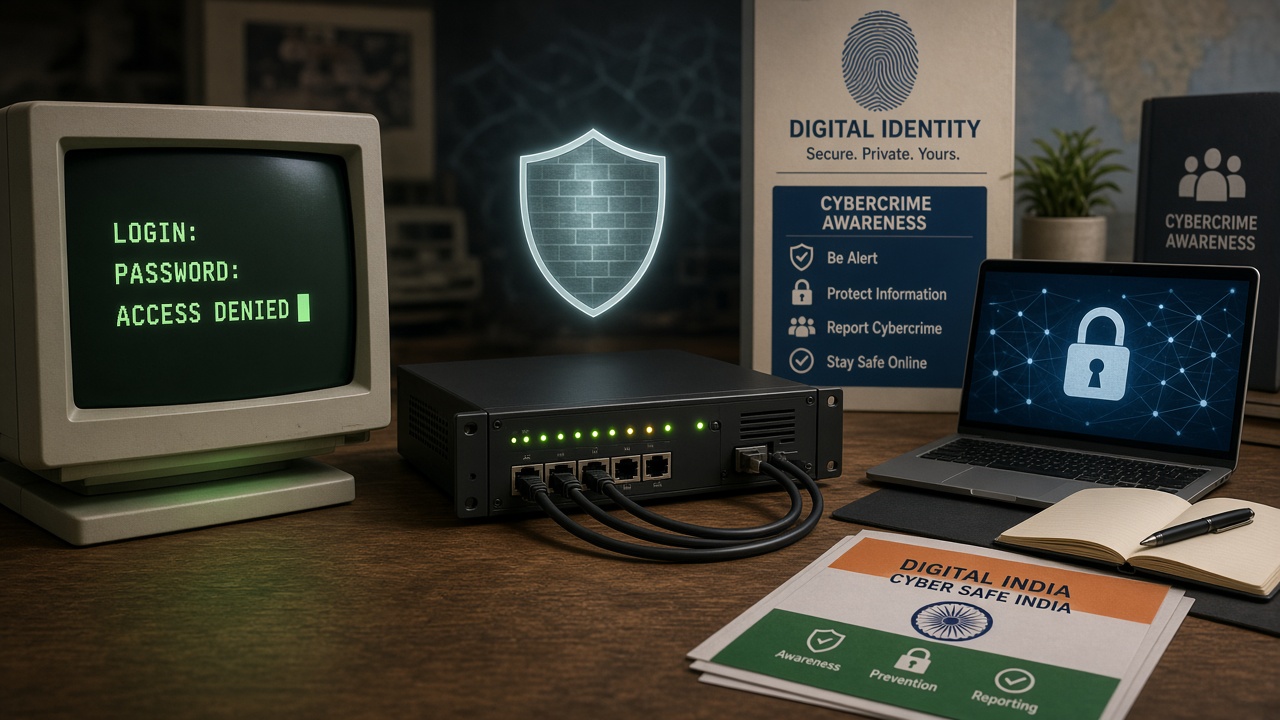
India legislated early digital commerce with the IT Act 2000, built Aadhaar as a biometric identity backbone, and faced a surge of phishing, OTP fraud, and online financial crime as UPI and smartphones scaled. CERT-In, cyber police units, and public awareness campaigns became part of everyday digital life.
India era: protect identity, payments, and citizens in a hyper-connected economy.
IT Act 2000 (and amendments) defines cyber offences and e-governance rules.
Aadhaar authentication powers benefits, KYC, and many digital services.
Cybercrime reporting, helplines, and specialised police units expand.
Technology Used
Biometric / OTP auth: Aadhaar-linked and bank MFA flows.
CERT-In advisories: Incident coordination and vulnerability alerts.
DPI stack: Secure design for national digital platforms.
Features
Scale: Billions of authentications raise the stakes of any flaw.
Privacy debates: Data protection and purpose limitation matter.
Citizen skills: Spotting fake links and OTP scams is survival literacy.
Cybersecurity Timeline Summary
Year / Era
Milestone
Why it matters
1960s–80s
Passwords & accounts
Basic digital identity on shared machines.
1980s–90s
Firewalls & DMZs
Internet connection without open LANs.
1990s–2000s
Antivirus & worms
Endpoint defence becomes mainstream.
1990s–2010s
HTTPS / PKI
Safe e-commerce and private sessions.
2010s–
MFA, SOC, zero trust
Assume breach; verify continuously.
2000s–
India IT Act & Aadhaar
Law + identity + cybercrime response.
Key Historical Events
Event
Year
Significance
Password logins on time-sharing systems
1960s
Access control enters computing.
Internet growth & firewall adoption
1990s
Perimeter security becomes standard.
Mass email worms / antivirus boom
late 1990s–2000s
Public awareness of malware.
SSL/TLS for web commerce
1990s+
Encrypted shopping and banking.
India IT Act
2000
Legal backbone for cyber offences.
Aadhaar programme scales
2010s
Biometric ID at national scale.
Ransomware wave
2010s–20s
Crime-as-a-service hits critical sectors.
MFA / passkeys push
2020s
Move beyond passwords alone.
Defence Layers at a Glance
Layer
Example controls
Goal
Identity
Passwords, MFA, biometrics
Prove who is requesting access
Network
Firewalls, segmentation, VPN
Limit where traffic can go
Endpoint
Antivirus / EDR, patches
Stop malware on devices
Data
Encryption, backups
Protect confidentiality & recovery
People
Awareness, phishing drills
Reduce human-error breaches
Response
SOC, CERT, cyber police
Detect, contain, recover, prosecute
Then vs Now
From handwritten passwords to MFA and national cybercrime helplines.
Late 2020s: AI both accelerates attacks and helps defenders triage alerts.
2030s: Post-quantum cryptography migrates into mainstream TLS stacks.
Ongoing (India): Stronger data-protection practice around identity and payments.
India spotlight
Cybersecurity in India
India’s story mixes law (IT Act), identity (Aadhaar), payments (UPI), incident response (CERT-In), and citizen-facing cybercrime reporting as digital public infrastructure scaled.
India spotlight: secure identity, payments, and cybercrime response at population scale.
2000
IT Act enacted
Legal recognition for electronic records and cyber offences framework.
2000s
CERT-In & cyber cells
Incident response and specialised policing capacity grow.
2010s
Aadhaar at scale
Biometric identity becomes central to many services—security and privacy debates intensify.
2016+
UPI & payment fraud
Instant payments create new phishing and social-engineering patterns.
2020s
Awareness & reporting
National helplines, portals, and campaigns teach citizens to report scams fast.
Citizen tip: Never share OTP; verify URLs before logging in.
Institutions: Banks, UIDAI ecosystem, CERT-In, and cyber police collaborate.
Skills gap: Demand for security analysts and ethical hackers keeps rising.
Test Your Knowledge
20 questions on passwords, firewalls, malware, encryption, and India’s cyber landscape. Click to reveal answers.
Answer: Protecting systems, networks, and data from unauthorised access or harm.
Answer: On 1960s time-sharing / multi-user systems.
Answer: Filters network traffic by rules between networks.
Answer: A network zone for public-facing servers, separated from the inner LAN.
Jump to any other technology timeline on WorldTimelineHub.
Disclaimer: This content is AI-generated for educational purposes and may contain errors or outdated details. For correct and authoritative information, please refer to official and reliable sources such as government publications, manufacturers, museums, and academic references.