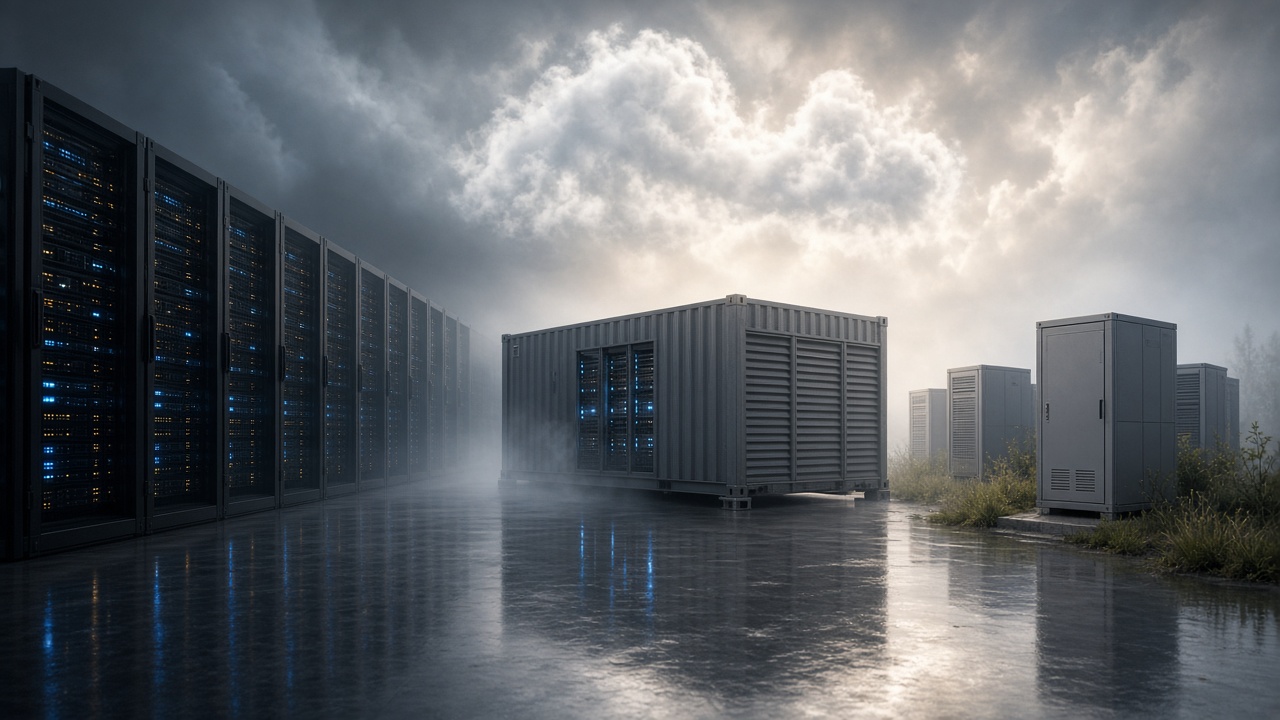
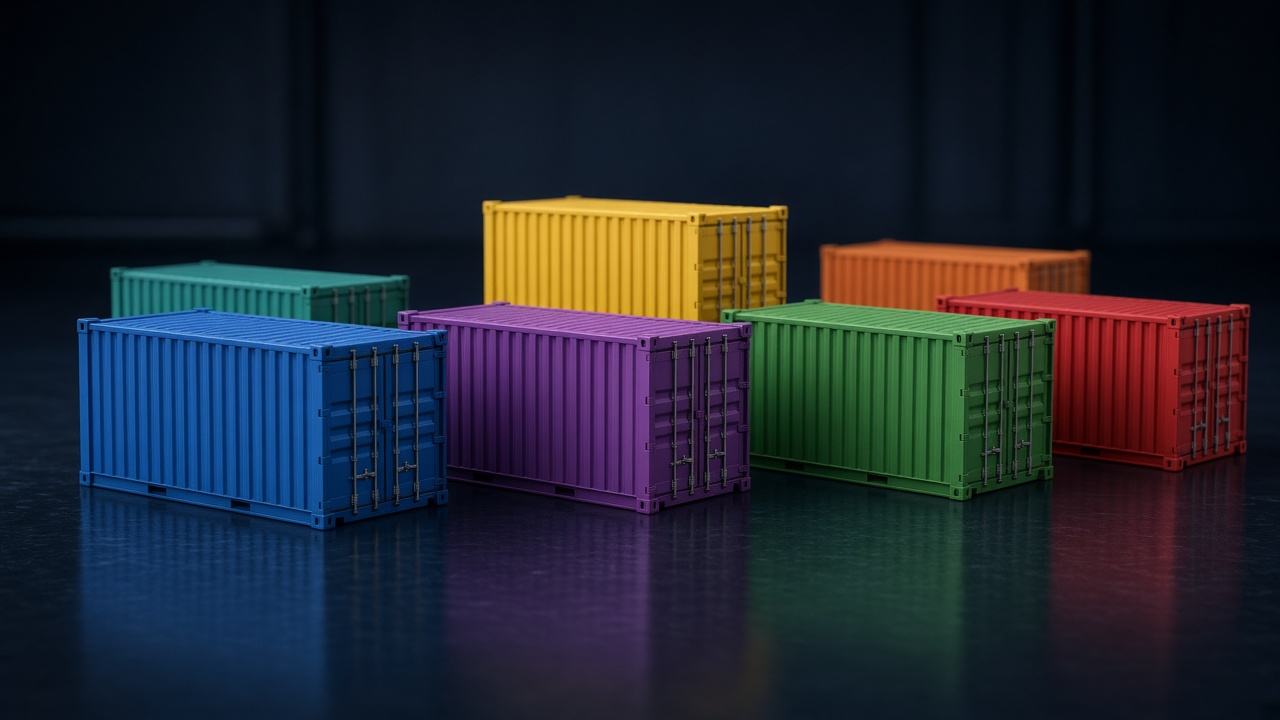
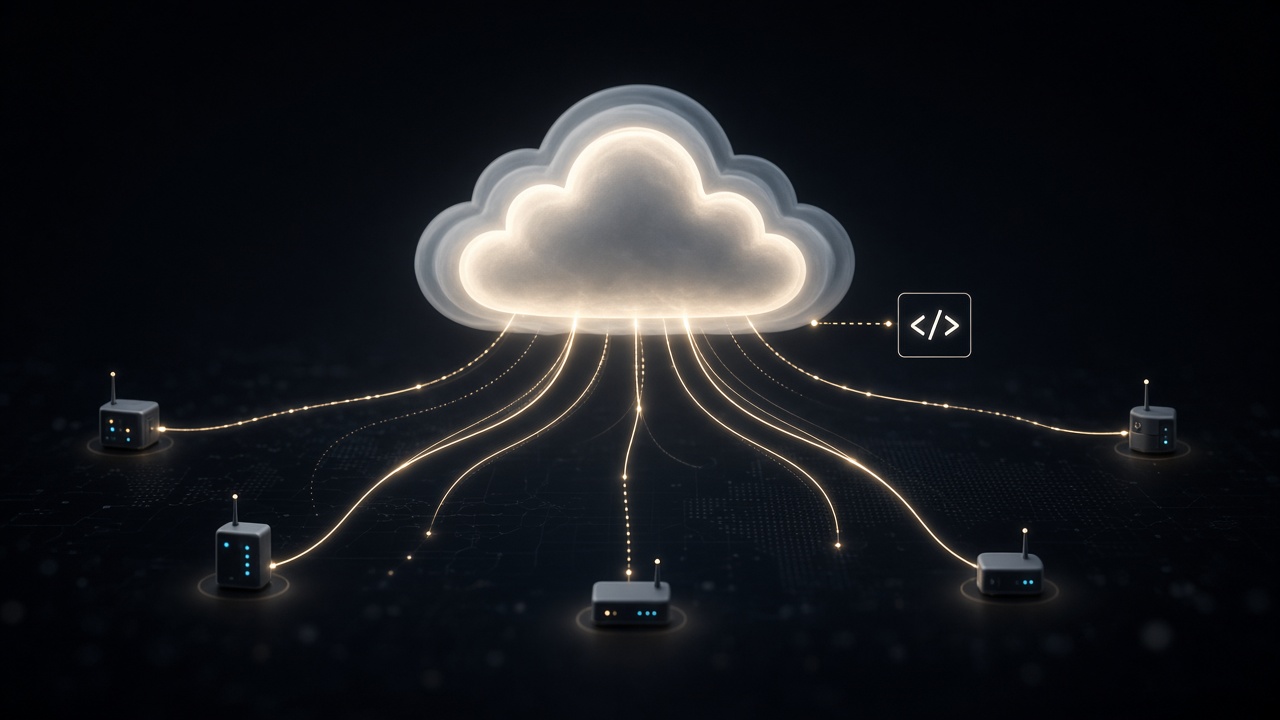
From time-shared mainframes and web hosting to virtual machines, public cloud APIs, containers, serverless functions, and FinOps—compute became a metered utility.
Cloud computing grew from time-shared mainframes and remote hosting into on-demand data centres you rent by the hour. Virtual machines, object storage, containers, and serverless functions turned capital-heavy servers into pay-as-you-go utilities for startups, banks, and governments.
The eras and tables below follow that arc from 1960s time-sharing through public cloud launches, Kubernetes, edge computing, and India’s data-centre and MeitY cloud programmes.
Big picture
Cloud computing evolution in one view
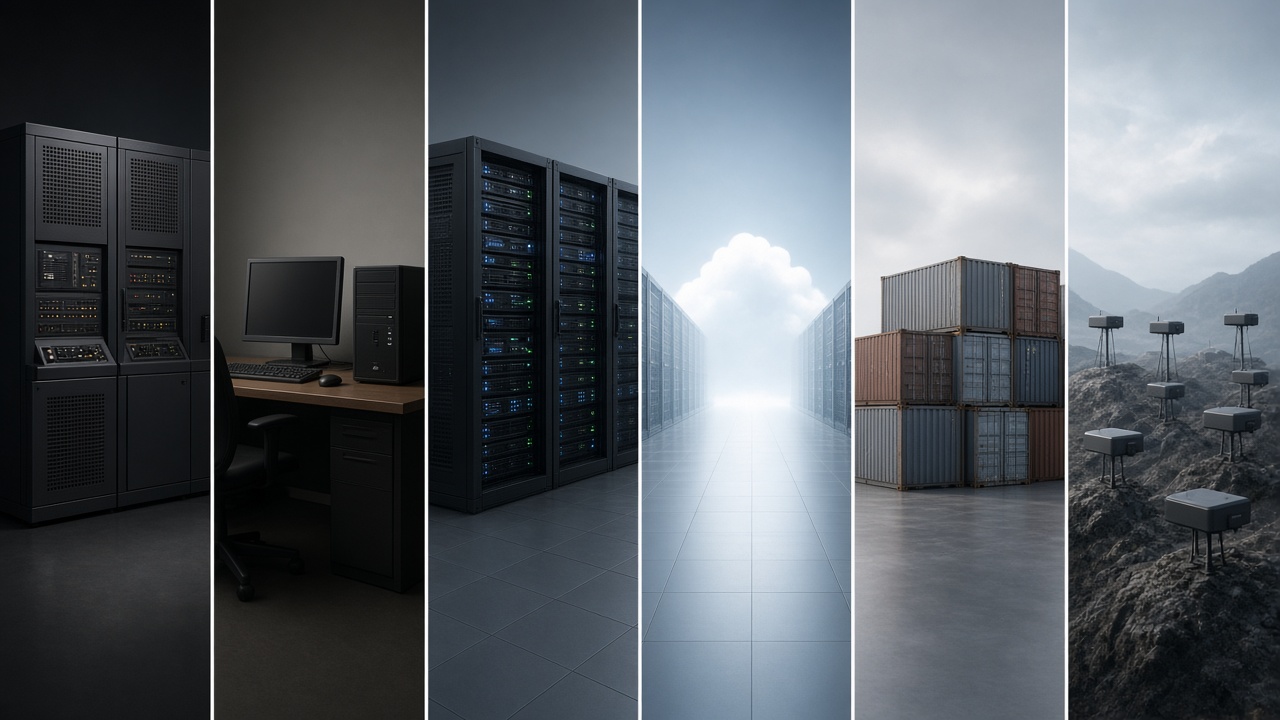
Remote computing moved from shared mainframes to rented virtual machines, then to containers and functions that scale in seconds. The stats below mark time-sharing, virtualization, public cloud, and today’s multi-cloud + edge world.
Cloud evolution: shared mainframes to virtual machines, public data centres, containers, and edge compute.
Shared CPU1960s - 1970s
Mainframes and Time-Sharing
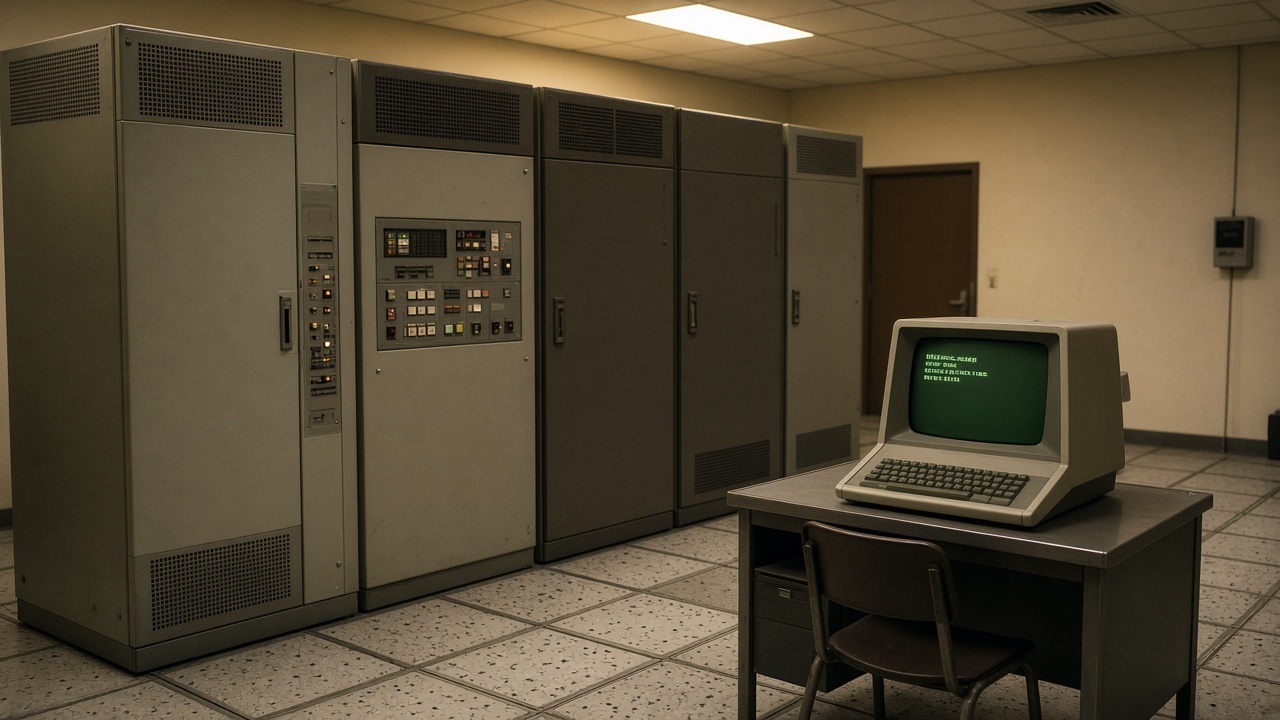
Universities and corporations shared expensive mainframes so many users could run jobs from terminals. Time-sharing and early utility-computing ideas foreshadowed today’s “rent capacity when you need it” model.
Time-sharing era: one mainframe, many terminals—remote compute before the internet cloud.
CTSS, Multics, and commercial time-sharing services.
John McCarthy and others discuss computing as a utility.
Batch jobs and interactive terminals coexist.
Technology Used
Mainframes: Centralized CPU and storage.
Terminals: Remote interactive sessions.
OS schedulers: Share slices of processor time.
Features
High capital cost: Few centres, many users.
Remote access: Computing without owning a machine.
Quota culture: CPU minutes as a scarce resource.
LAN Hosting1980s - 1990s
Client-Server and Application Hosting
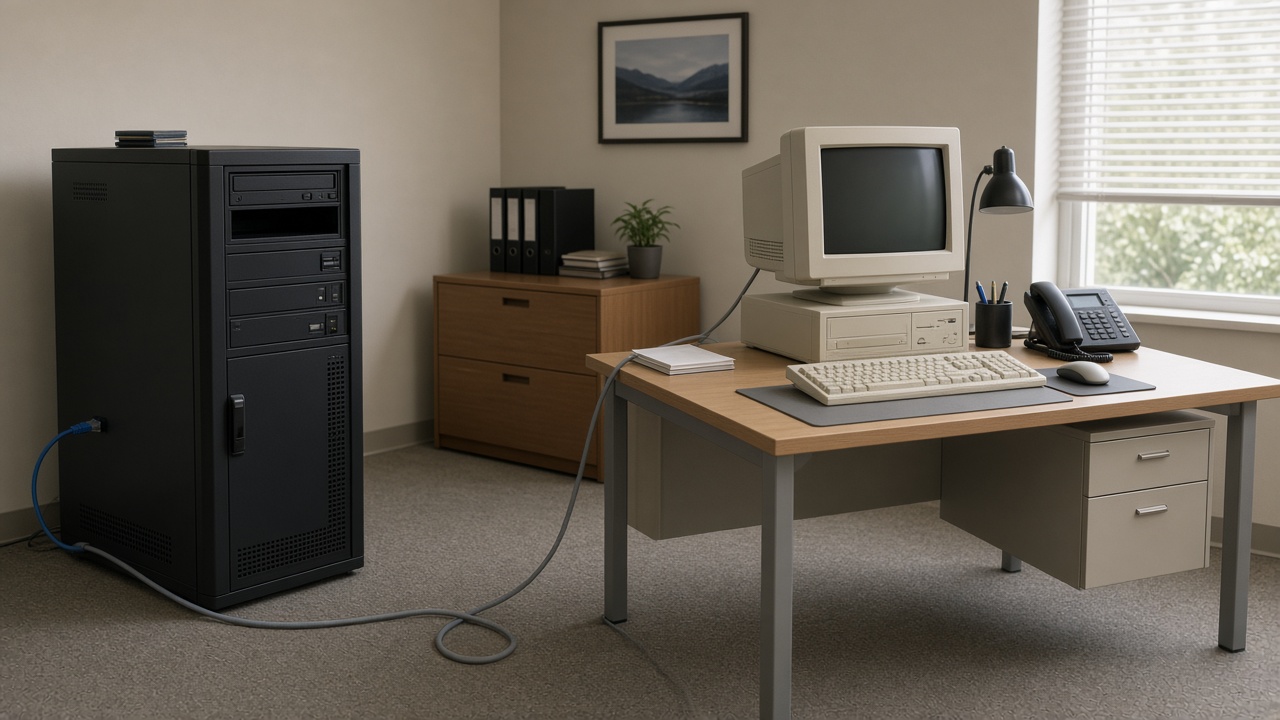
PCs and local servers split work between clients and back-end databases. Internet hosting and Application Service Providers (ASPs) rented software over the web—an early SaaS pattern before the word “cloud” went mainstream.
Client-server era: local servers and web hosting paved the way for rented applications.
Client-server databases dominate enterprises.
Web hosting and colocation rise with the internet.
ASPs deliver software as a remote service.
Technology Used
LAN / WAN: Ethernet and leased lines.
Web servers: HTTP application delivery.
Colocation: Rent space and power, keep your hardware.
Features
Cheaper PCs: Intelligence moves to the edge of the desk.
Managed hosting: Specialists run the racks.
Still hardware-bound: Scaling means buying boxes.
Many VMs2000 - 2005
Utility Computing and Virtualization
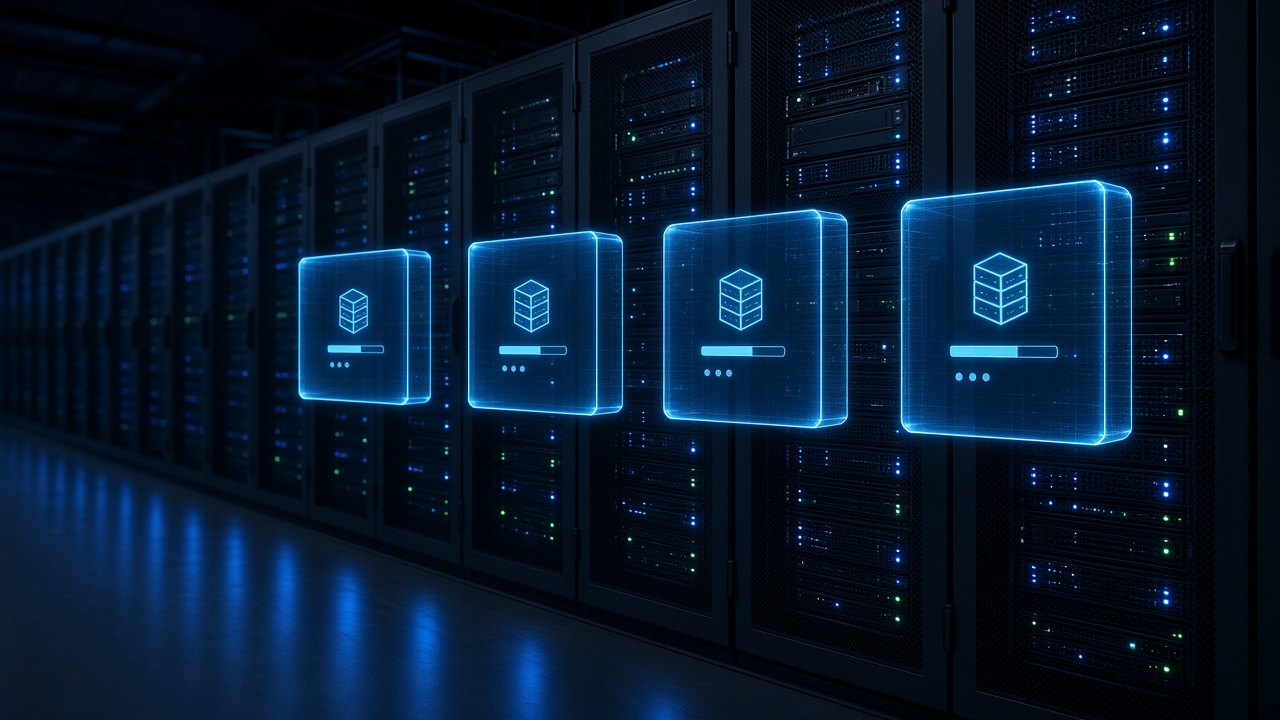
Hypervisors packed many virtual machines onto one physical server. Utility-computing projects and grid computing treated CPU as a metered resource—technical groundwork for elastic public clouds.
Virtualization era: hypervisors carve one server into many isolated virtual machines.
x86 virtualization becomes practical for data centres.
Utility and grid computing experiments meter resources.
Server consolidation cuts power and rack space.
Technology Used
Hypervisors: Type-1 and Type-2 virtualization.
SAN / NAS: Shared storage pools.
Automation scripts: Early provisioning tools.
Features
Density: More apps per rack unit.
Snapshots: Fast clone and rollback.
Still private: Mostly inside company walls.
Rent a Rack2006 - 2012
Public Cloud Platforms Launch
Object storage and on-demand virtual servers made global infrastructure available with a credit card. IaaS, PaaS, and SaaS became the common language; developers treated regions and availability zones as building blocks.
Public cloud era: hyperscale data centres rent compute and storage by the hour or gigabyte.
2006: object storage and elastic compute go mainstream.
Other major providers launch competing public clouds.
API-first infrastructure replaces ticket-based IT for many startups.
Technology Used
IaaS VMs: Rent Linux/Windows instances.
Object storage: Durable blobs over HTTP APIs.
Regions / AZs: Geographic redundancy.
Features
Pay-as-you-go: Opex instead of big Capex.
Self-service: Provision in minutes.
Shared responsibility: Provider secures the building; you secure the guest OS and data.
Ship Code2013 - 2019
Containers, Orchestration and Multi-Cloud
Lightweight containers packaged apps with their dependencies. Orchestrators scheduled thousands of containers across clusters; DevOps, CI/CD, and multi-cloud strategies became normal for large teams.
Container era: portable app packages and orchestrators replace many long-lived VMs.
Hybrid and multi-cloud avoid single-provider lock-in.
Technology Used
Containers: Process isolation with shared kernel.
Orchestration: Schedule, heal, and scale pods.
CI/CD pipelines: Automated build and deploy.
Features
Immutable deploys: Ship the same image everywhere.
Microservices: Split monoliths into services.
Complexity cost: Clusters need skilled operators.
Smart Spend2020 - Present
Serverless, Edge and FinOps
Functions-as-a-service, edge locations, GPU clouds for AI, and FinOps teams focus on cost and carbon. Sovereign and regulated clouds address data residency while hybrid patterns keep sensitive workloads private.
Modern era: serverless functions, edge nodes, and cost-aware multi-cloud operations.
Serverless functions scale to zero between requests.
Edge CDNs and regional POPs cut latency.
FinOps and green computing track spend and energy.
Technology Used
FaaS / serverless: Event-driven compute.
Edge locations: Compute near users.
GPU / AI clouds: Train and serve models.
Features
Elastic AI: Burst GPUs when training.
Policy as code: Guardrails for security and cost.
Residency rules: Keep data in-country when required.
Cloud Timeline Summary
Milestones from time-sharing to FinOps—use this map before the detailed tables below.
Year / Era
Milestone
Why it matters
1960s–70s
Time-sharing
Remote shared computers—utility idea is born.
1980s–90s
Client-server / ASP
Hosted apps and web servers popularize remote software.
2000–05
Virtualization
Many VMs per server enable dense, flexible data centres.
2006–12
Public cloud
Self-service IaaS/PaaS/SaaS at global scale.
2013–19
Containers
Portable apps and orchestrated clusters.
2020s
Edge + FinOps
Serverless, AI GPUs, cost and sovereignty controls.
Key Historical Events
Turning points that shaped how organisations buy and run remote infrastructure.
Event
Year
Significance
CTSS time-sharing at MIT
1961
Interactive shared computing for many users.
Multics / utility computing ideas
1960s
Computing discussed as a public utility.
Web hosting & ASP boom
1990s
Software rented over the internet.
x86 virtualization mainstream
early 2000s
Server consolidation and VM mobility.
Public object storage & compute APIs
2006
Elastic infrastructure via credit card and API.
Major competing public clouds
2008–12
Choice and price competition for IaaS/PaaS.
Container engines popularized
2013+
Lightweight portable packaging for apps.
Kubernetes donated / ecosystem boom
2014–18
De facto orchestration standard.
Serverless / FaaS adoption
2015+
Event-driven scale-to-zero compute.
AI GPU cloud demand surge
2020s
Training and inference reshape capacity planning.
IaaS, PaaS and SaaS
Three service models answer “how much of the stack do you manage yourself?”
From owned racks to rented platforms—service models shift responsibility up the stack.
Model
You manage
Provider manages
Example use
IaaS
OS, runtime, apps, data
Hardware, virtualization, network fabric
Custom VMs and networks
PaaS
Apps and data
OS, runtime, scaling platform
Managed databases, app platforms
SaaS
Users and settings
Almost the entire stack
Email, CRM, office suites
FaaS / serverless
Function code
Servers, scaling, patching
Event handlers, APIs
Cloud “Firsts” at a Glance
First
Era
Achievement
Practical time-sharing
1960s
Many users on one mainframe
Commercial web hosting
1990s
Sites run in rented data centres
Mainstream x86 virtualization
2000s
Dense VM packing
Elastic public compute API
2006
Self-service global VMs
Popular container workflow
2010s
Build once, run anywhere
Cluster orchestration standard
2010s
Kubernetes ecosystem
Serverless mainstream
2010s–20s
Pay per invocation
Deployment Models
Where workloads run—public, private, hybrid, or multi-cloud—depends on risk, cost, and latency.
Model
Description
Typical reason
Public
Shared provider infrastructure
Speed, global reach, elastic scale
Private
Dedicated to one organisation
Control, compliance, predictable load
Hybrid
Private + public together
Burst capacity, data gravity
Multi-cloud
Two or more public providers
Resilience, negotiation, best-of-breed
Edge
Compute near users/devices
Latency, offline tolerance
Then vs Now: Running Software
Metric
Then (1990s IT)
Now (2020s cloud)
Hardware
Buy servers (months)
Rent VMs/containers (minutes)
Scaling
Purchase more boxes
Auto-scale policies
Cost model
Mostly Capex
Opex + FinOps
Deploy
Manual install
CI/CD + immutable images
Global reach
Hard / expensive
Multi-region by default
AI training
Rare on-prem clusters
Rent GPU fleets
Security and Shared Responsibility
Cloud providers secure buildings, hypervisors, and core networks; customers still must patch guests, manage identities, encrypt data, and configure firewalls correctly.
Identity: Least-privilege accounts and MFA.
Encryption: In transit and at rest.
Misconfiguration: Open storage buckets remain a top risk.
Compliance: Map workloads to local data laws.
Future Cloud Predictions
2025–2027: More AI-optimized regions and liquid-cooled GPU halls.
2026–2028: Stronger sovereign-cloud and data-residency products.
2028–2030: Greener workloads with carbon-aware scheduling.
2030s: Tighter blend of edge, 5G/6G, and central clouds for real-time apps.
India spotlight
Cloud Computing in India
India combined IT services strength with new hyperscale regions, government cloud platforms, and startup SaaS—while debating data protection and residency.
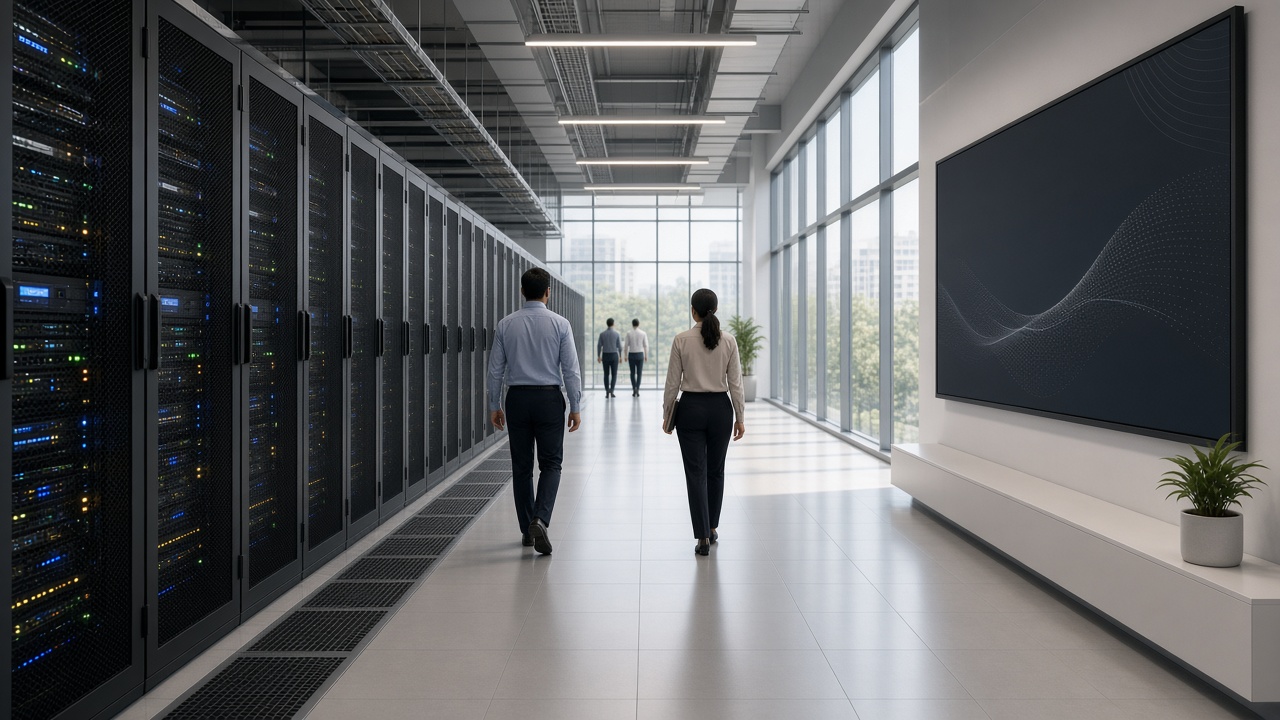
India spotlight: growing data-centre capacity and government digital platforms.
1990s–2000s
IT services & hosting
Indian firms run global applications from domestic and overseas data centres.
2010s
GI Cloud / MeghRaj
Government cloud direction encourages departments to adopt shared infrastructure.
2010s–20s
Hyperscale regions
Major public clouds open local regions; startups scale without owning racks.
2020s
Data protection & DigiLocker era
Digital public infrastructure and privacy rules shape where citizen data may live.
Ongoing
AI + cloud
GPU capacity and IndiaAI-related initiatives push demand for local AI clouds.
UPI & DPI: Cloud-backed digital public infrastructure at population scale.
SaaS exports: Indian product companies sell globally from cloud regions.
Data centres: New capacity in metros for latency and residency.
Test Your Knowledge
20 questions on time-sharing, IaaS/PaaS/SaaS, virtualization, containers, India cloud, and FinOps. Click to reveal answers.
Answer: Time-sharing.
Answer: Application Service Provider.
Answer: A hypervisor.
Answer: OS, apps, and data (on rented VMs).
Answer: Almost the entire stack; you mostly use the app.
Answer: 2000s (especially from 2006).
Answer: The host operating system kernel.
Answer: Kubernetes.
Answer: Function as a Service (serverless).
Answer: Private and public cloud.
Answer: Cloud cost visibility and optimization.
Answer: Near users or devices (lower latency).
Answer: Provider and customer each secure different layers.
Answer: Large unstructured files accessed via APIs.
Answer: GI Cloud / MeghRaj.
Answer: Using more than one public cloud provider.
Answer: From buying servers to paying monthly for capacity.
Answer: Redundancy inside a region.
Answer: Misconfigured public storage / weak IAM.
Answer: Elastic platforms, containers/serverless, AI capacity, and cost/sovereignty controls.
Classroom activity
Students Tasks
Ten prompts for discussion or projects on cloud history, models, and India’s digital infrastructure.
IaaS/PaaS/SaaSVirtualizationSecurityIndia cloud
Explain time-sharing vs owning a PC.
Draw IaaS vs PaaS vs SaaS stacks.
Why did virtualization save power?
Compare VMs and containers.
What problem does Kubernetes solve?
List two shared-responsibility duties for customers.
When is hybrid cloud better than pure public?
Research MeghRaj / GI Cloud goals.
How does FinOps help a startup?
Predict India’s cloud needs in 2035.
Continue exploring
Cloud sits on networks and storage, powers AI training, and grew with the public internet. Explore these connected stories next.
Jump to any other technology timeline on WorldTimelineHub.
Disclaimer: This content is AI-generated for educational purposes and may contain errors or outdated details. For correct and authoritative information, please refer to official and reliable sources such as government publications, manufacturers, museums, and academic references.